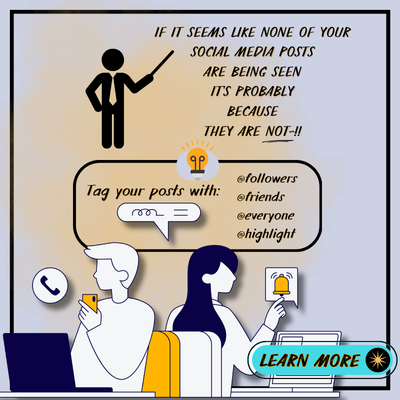
ATTRACTION MARKETING - TIP #2
ATTRACTION MARKETING - TIP #2
IN ORDER TO GET THE MOST OUT OF YOUR FACEBOOK POSTS,
IT IS HELPFUL TO KNOW THE FOLLOWING ...
In FB, you can use ... @friends ... @highlight ... @followers ... -and- ... @everyone by typing these tags directly into a post, or comment, to instantly notify a specific group of people.
💥💥 On your PERSONAL Facebook page, you can only use @friends and @highlight 3 times per week ... WHEREAS ... on a BUSINESS PAGE, @followers, and @everyone can be used -once- daily. 💥💥
HOW TO USE THEM:
Start writing a post or comment on Facebook. (You can do this "Above" your graphic or "Below" in the Comment Section.)
Type "@" followed by the tag you want to use (e.g., "@friends", "@highlight", "@followers", or "@everyone").
The relevant people will be notified when you publish your post or comment.
IMPORTANT POINTS: (As "Meta" changes these tools often, the points shared are current as of yesterday.)
: Moderation is key ... Be careful not to overdo it. Best save this "ability" for those times when you believe something -IS- truly important or will benefit people (in a non-Spammy, non-Pushy) kind of way!
: Privacy settings ... Depending on your Privacy Settings, not everyone you tag might see your post.
: Group admin access ... To use @everyone, you need to be an administrator of the Facebook group.
Share